


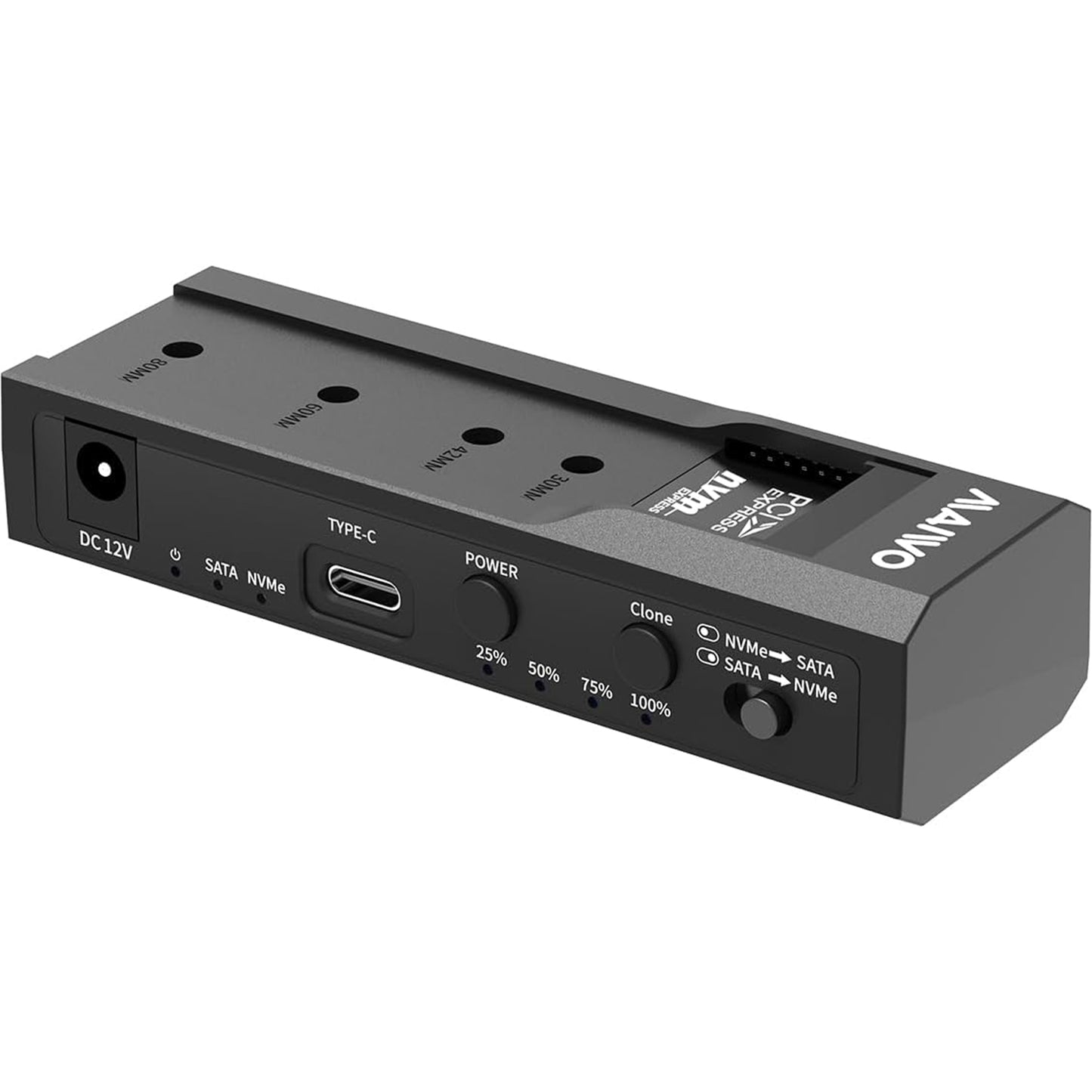
Maiwo USB Type-C, Dual Bay HDD/NVMe M2 SSD 10Gbps Clone Converter For 2.5" and 3.5" SATA, Clone SATA to NVMe Instantly
- MPN / Part Number: K10635N
- Condition: Brand New, unopened in original retail packaging.
- Shipping: Fast & Secure Delivery (Dispatched within 1 business day).
- Warranty: Manufacturer Warranty included.
Product Description
MAIWO K10635N type C 10Gbps to dual bay HDD/NVMe M2 SSD clone converter for 2.5" and 3.5" SATA
MAIWO K10635N type C 10Gbps to dual bay HDD/NVMe M2 SSD clone converter for 2.5" and 3.5" SATA
Experience the benefits of maiwo k10635n type c 10gbps to dual bay hdd/nvme m2 ssd clone converter for 2.5" and 3.5" sata, designed to enhance your overall experience with superior performance and reliability.
Perfect For
Experience the benefits of perfect for, designed to enhance your overall experience with superior performance and reliability.
System Upgrades
Experience the benefits of system upgrades, designed to enhance your overall experience with superior performance and reliability.
Key Features
- MAIWO K10635N type C 10Gbps to dual bay HDD/NVMe M2 SSD clone converter for 2.5" and 3.5" SATA
- Perfect For
- System Upgrades
- Data & Recovery Backup
- Clear Indicator Light
- Drive Indicatior
Technical Specifications
General
- Brand: MAIWO
- Model / SKU: K10635N
Connectivity
- Interface: Type C to SATA/M-key M2
Physical
- Dimensions: 2230,2242,2260 ,2280
- Weight: 0.4 kg
What's In The Box
- 1 x Maiwo USB Type-C, Dual Bay HDD/NVMe M2 SSD 10Gbps Clone Converter For 2.5" and 3.5" SATA, Clone SATA to NVMe Instantly
- User Documentation